Function reference /Array & filter
UNIQUE
Run in a real sheetReturns each distinct row of a range once, discarding duplicates.
UNIQUE(range)
UNIQUE is how you get a clean list of categories, regions or names out of a messy column — and it is the usual first step in building a summary table or a dropdown.
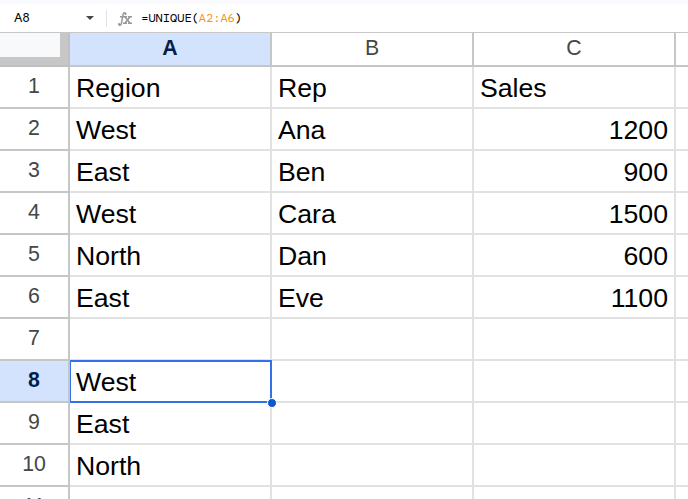
Worked example
| Region | Rep | Sales |
|---|---|---|
| West | Ana | 1200 |
| East | Ben | 900 |
| West | Cara | 1500 |
| North | Dan | 600 |
| East | Eve | 1100 |
=UNIQUE(A2:A6)Returns West, East, North.
Arguments
| Argument | Required | What it does |
|---|---|---|
range |
Yes | The range to de-duplicate. |
Gotchas
- 01It de-duplicates whole rows, not individual cells. UNIQUE on two columns keeps a row if either value differs.
- 02Order is first-appearance, not sorted. Wrap in SORT if you need alphabetical.
- 03Trailing spaces make otherwise identical values distinct. TRIM first if the data came from elsewhere.
- 04The result spills — leave the cells below it empty.