Function reference /Math & aggregation
COUNTIF
Run in a real sheetCounts how many cells in a range meet a condition.
COUNTIF(range, criterion)
COUNTIF answers "how many?" — how many orders from this region, how many entries over budget, how many times a name appears. Counting duplicates is its most common job.
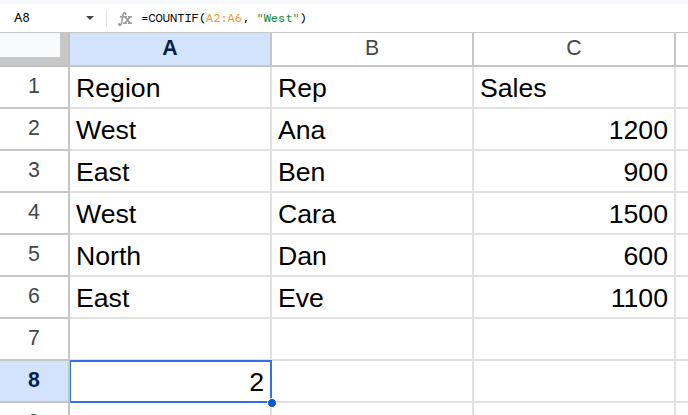
Worked example
| Region | Rep | Sales |
|---|---|---|
| West | Ana | 1200 |
| East | Ben | 900 |
| West | Cara | 1500 |
| North | Dan | 600 |
| East | Eve | 1100 |
=COUNTIF(A2:A6, "West")Returns 2.
Arguments
| Argument | Required | What it does |
|---|---|---|
range |
Yes | The cells to test. |
criterion |
Yes | A value, or a comparison in quotes such as ">1000". |
Gotchas
- 01COUNTIF is not case sensitive — "west" and "West" count as the same thing.
- 02* and ? are treated as wildcards. To count a literal asterisk, escape it as ~*.
- 03It counts cells, not distinct values. For distinct values use COUNTA(UNIQUE(range)).