Function reference /Math & aggregation
SUMIF
Run in a real sheetAdds up the numbers in a range, but only the rows that meet one condition.
SUMIF(range, criterion, [sum_range])
SUMIF is the workhorse of every summary tab: total sales for one region, total hours for one person, total spend in one category.
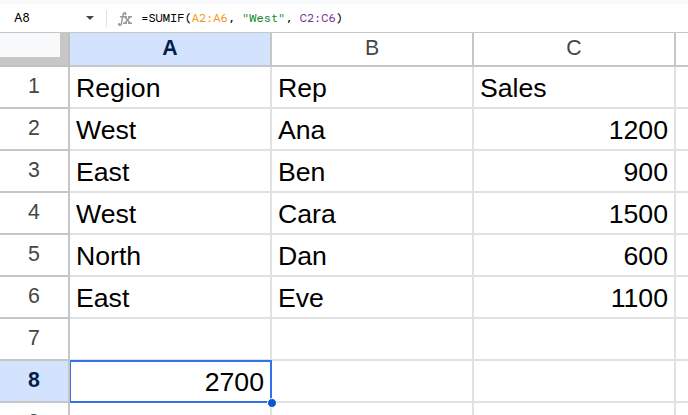
Worked example
| Region | Rep | Sales |
|---|---|---|
| West | Ana | 1200 |
| East | Ben | 900 |
| West | Cara | 1500 |
| North | Dan | 600 |
| East | Eve | 1100 |
=SUMIF(A2:A6, "West", C2:C6)Returns 2700.
Arguments
| Argument | Required | What it does |
|---|---|---|
range |
Yes | The range the condition is tested against. |
criterion |
Yes | What to test for — a value, or a comparison in quotes such as ">800". |
sum_range |
Optional | The numbers to add. Omit it to add up `range` itself. |
Gotchas
- 01The argument order is different from SUMIFS: SUMIF puts the sum range last, SUMIFS puts it first.
- 02Comparisons must be a text string: ">800", not >800.
- 03range and sum_range must be the same height, or the totals silently come out wrong.
- 04Criteria are not case sensitive, and * and ? act as wildcards — which surprises people summing product codes.