Function reference /Math & aggregation
SUMIFS
Run in a real sheetAdds up numbers that meet several conditions at once.
SUMIFS(sum_range, criteria_range1, criterion1, [criteria_range2, criterion2, ...])
SUMIFS is SUMIF with more than one test — sales in the West, in Q3, above 1000. Conditions combine with AND.
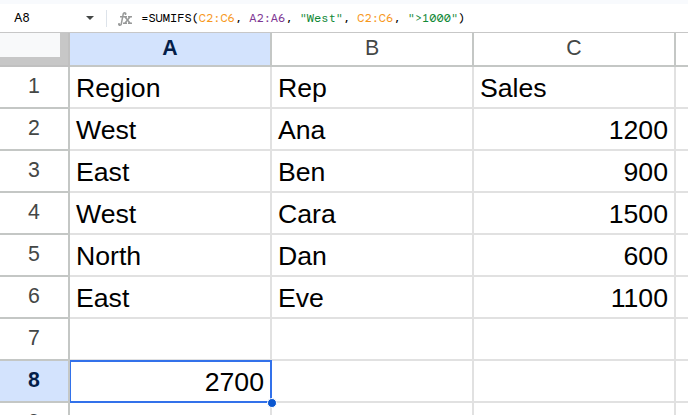
Worked example
| Region | Rep | Sales |
|---|---|---|
| West | Ana | 1200 |
| East | Ben | 900 |
| West | Cara | 1500 |
| North | Dan | 600 |
| East | Eve | 1100 |
=SUMIFS(C2:C6, A2:A6, "West", C2:C6, ">1000")Returns 2700.
Arguments
| Argument | Required | What it does |
|---|---|---|
sum_range |
Yes | The numbers to add. Comes first, unlike SUMIF. |
criteria_range1 |
Yes | The range the first condition tests. |
criterion1 |
Yes | The first condition. |
Gotchas
- 01The sum range comes FIRST here and LAST in SUMIF. Swapping them is the most common cause of a zero total.
- 02All ranges must be the same height.
- 03Conditions are AND only. There is no OR — use two SUMIFS added together, or QUERY.